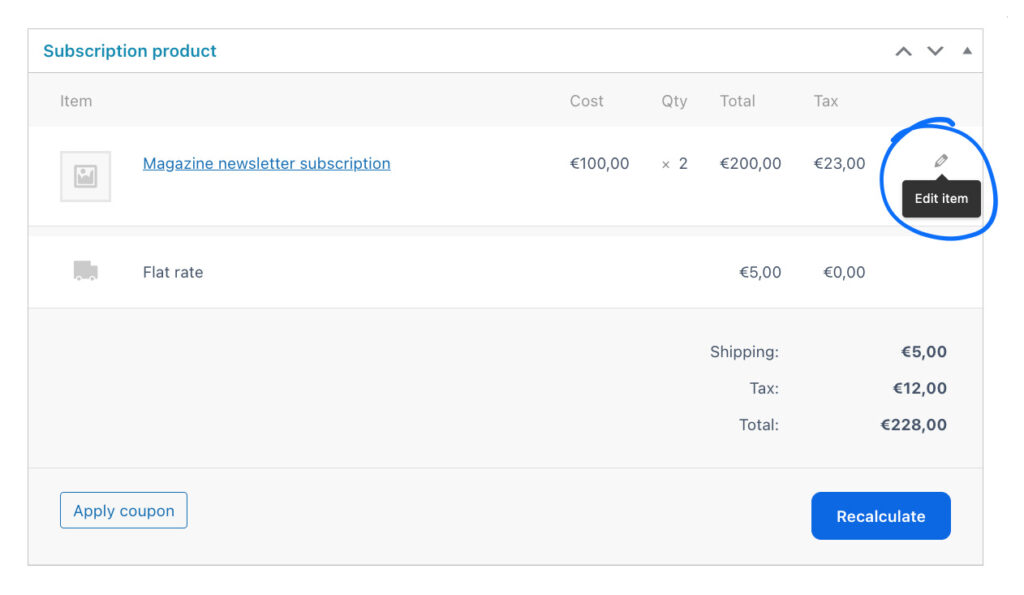
Based on the selected gateway, you might be able to edit some or all of the following options of an ongoing subscription.
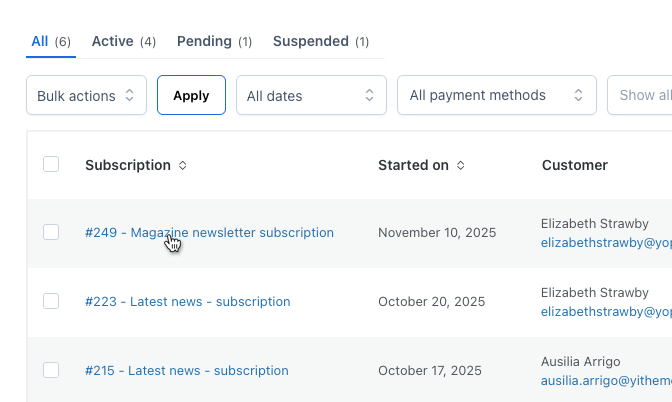
- Go to All Subscriptions page and click on the subscription item you want to edit.
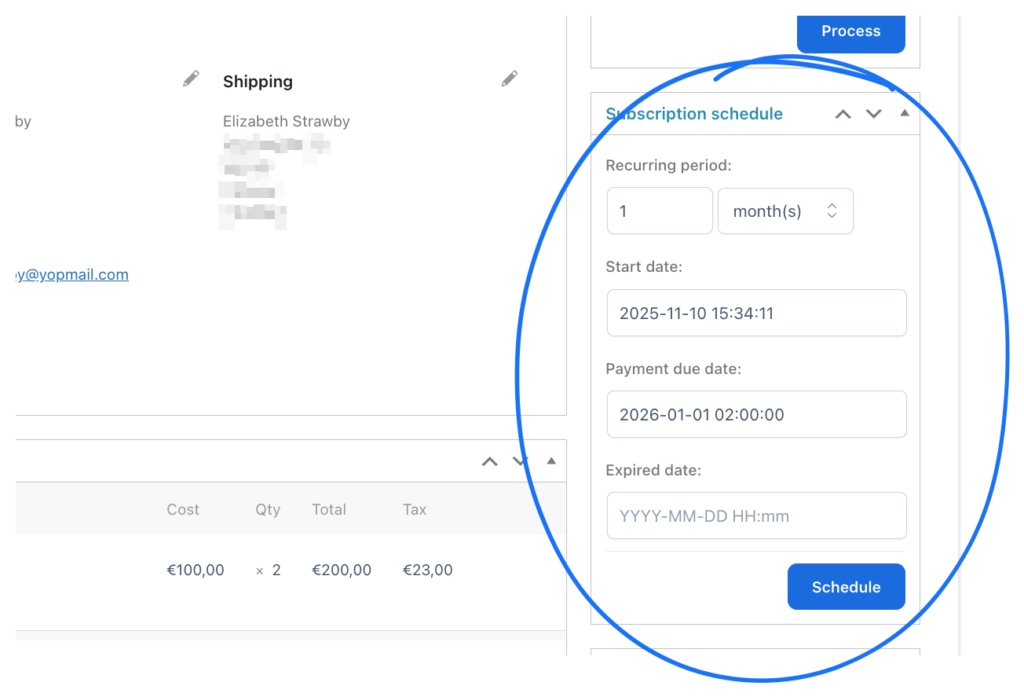
- From the Subscription schedule box on the right hand side, you can update:
- Recurring period
- Start date
- Payment due date – this is the date of the next renewal, changing this will automatically affect also all the following payments.
- Expiry date
- From the Subscription product box, you can edit the amount: click on the pencil icon next to the subscription product and update quantity, total price and tax if available. Then Save.